
Filter Holdings by Status#
You can filter the Table: Holdings List table by Option: Status.
To Filter Holdings by Status:
Find the Column: Status column.
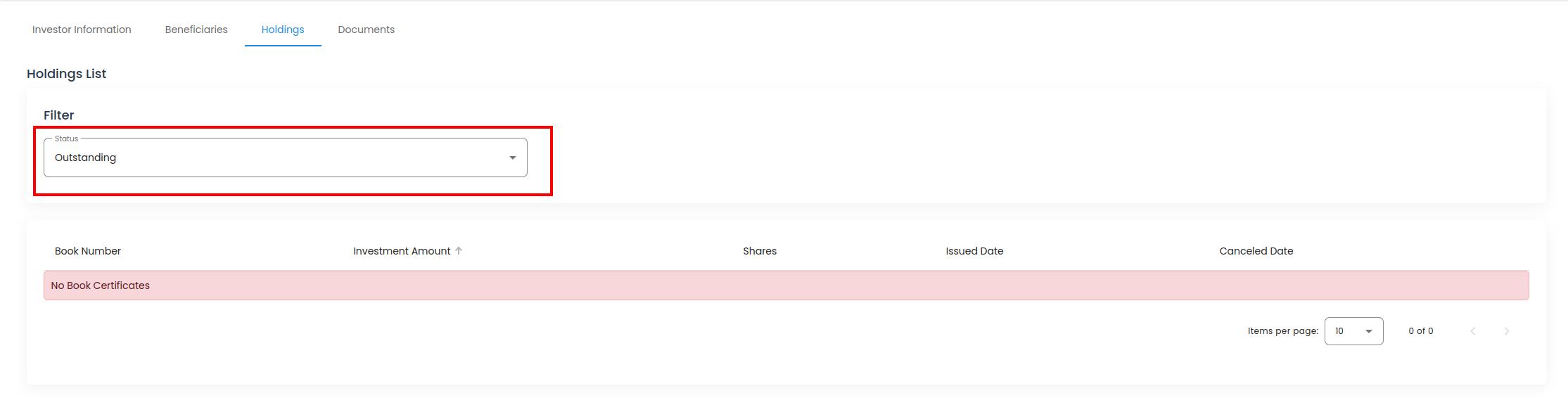
Account, Investors, Investor Information, Holdings Tab, Status Filter Dropdown#
Select the status you want to filter by.
Available Statuses
The Tab: Holdings List tab allows you to filter by the following statuses:
Option: Oustanding & Canceled
Option: Outstanding
Option: Canceled
Action Complete
The table should upate as you select a new status. The Table: Holdings List Table will automatically update. No other action is required.