
Payment Management#
The Section: Payment Management section provides tools for managing payments and invoices within the system.
Features: Payment Management#
View and manage payments
Track and process invoices
Filter records by various criteria
Search for specific payment and invoice entries
Layout: Payment Management Homepage#
The Payment Management homepage has a unique layout with two separate tables on one page:
Table: Payments Table - Shows all payment records
Table: Invoices Table - Shows all invoice records
These tables function independently with their own search and filter features, but selecting an invoice (checking the checkbox) affects the Payments section’s displayed columns.
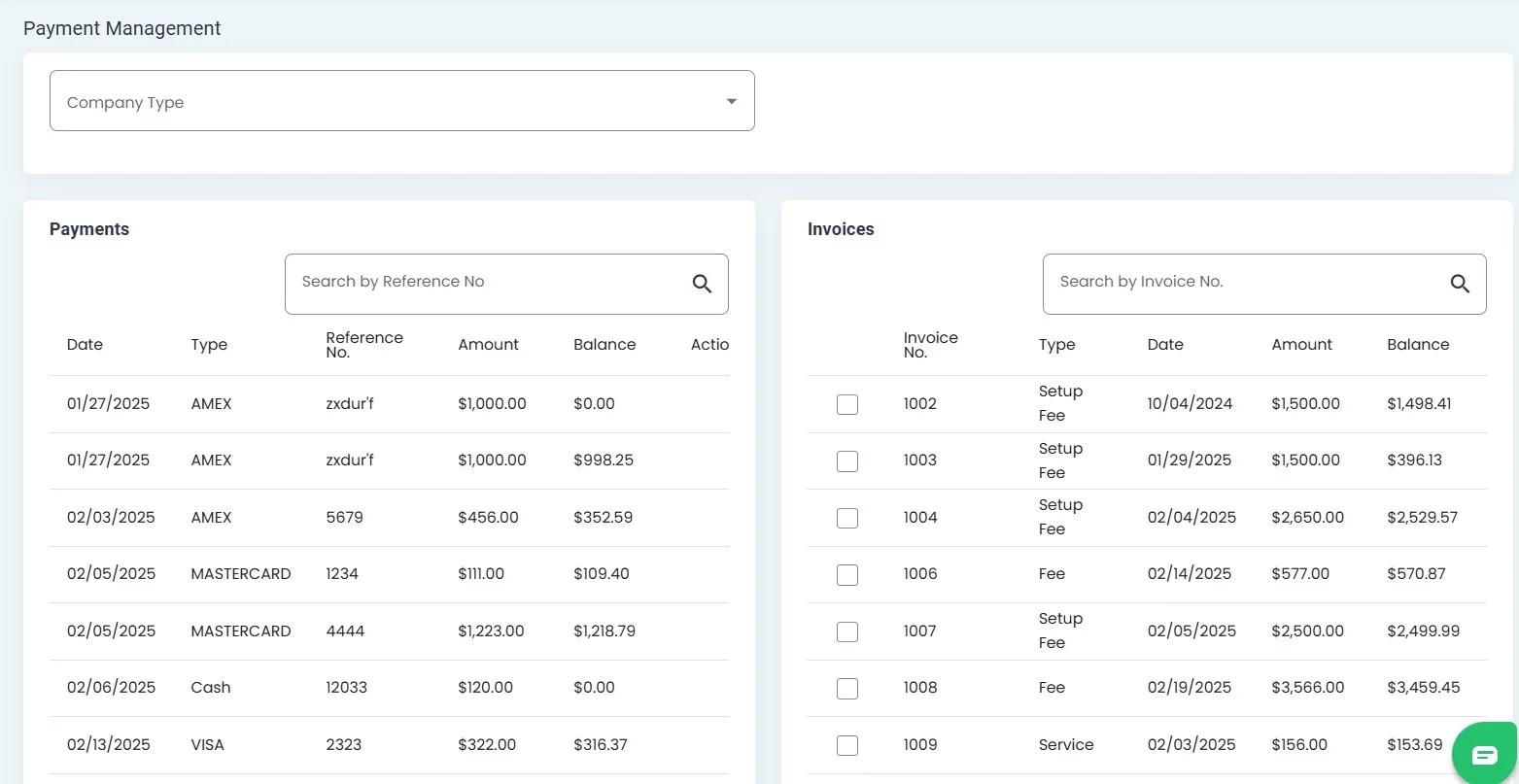
Payment Management Homepage with two separate tables#
Table Names#
Each section of the page has a clearly labeled table name at the top.
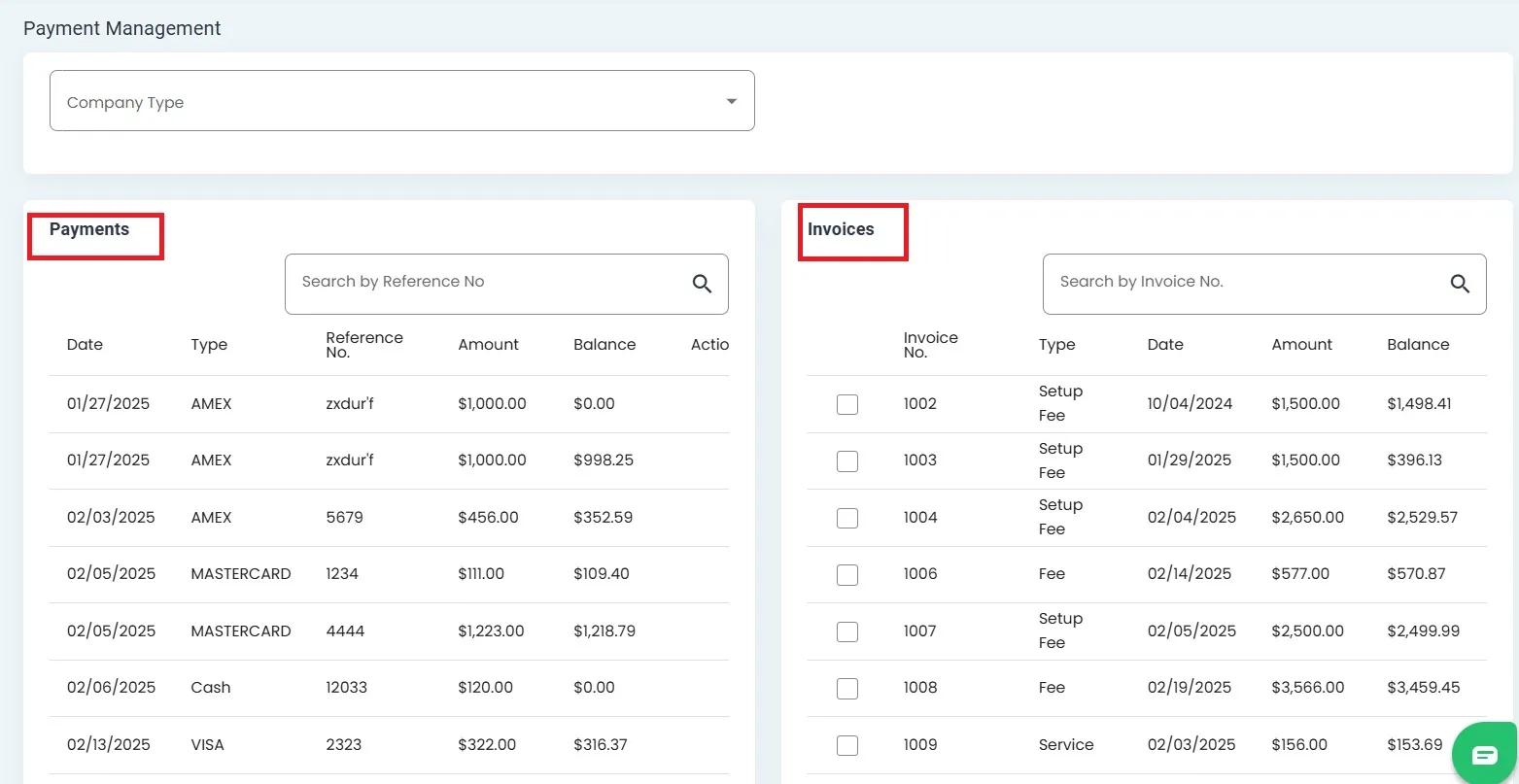
Table names displayed at the top of each section#
Table Sections#
The page is divided into two distinct table sections, each with its own functionality.
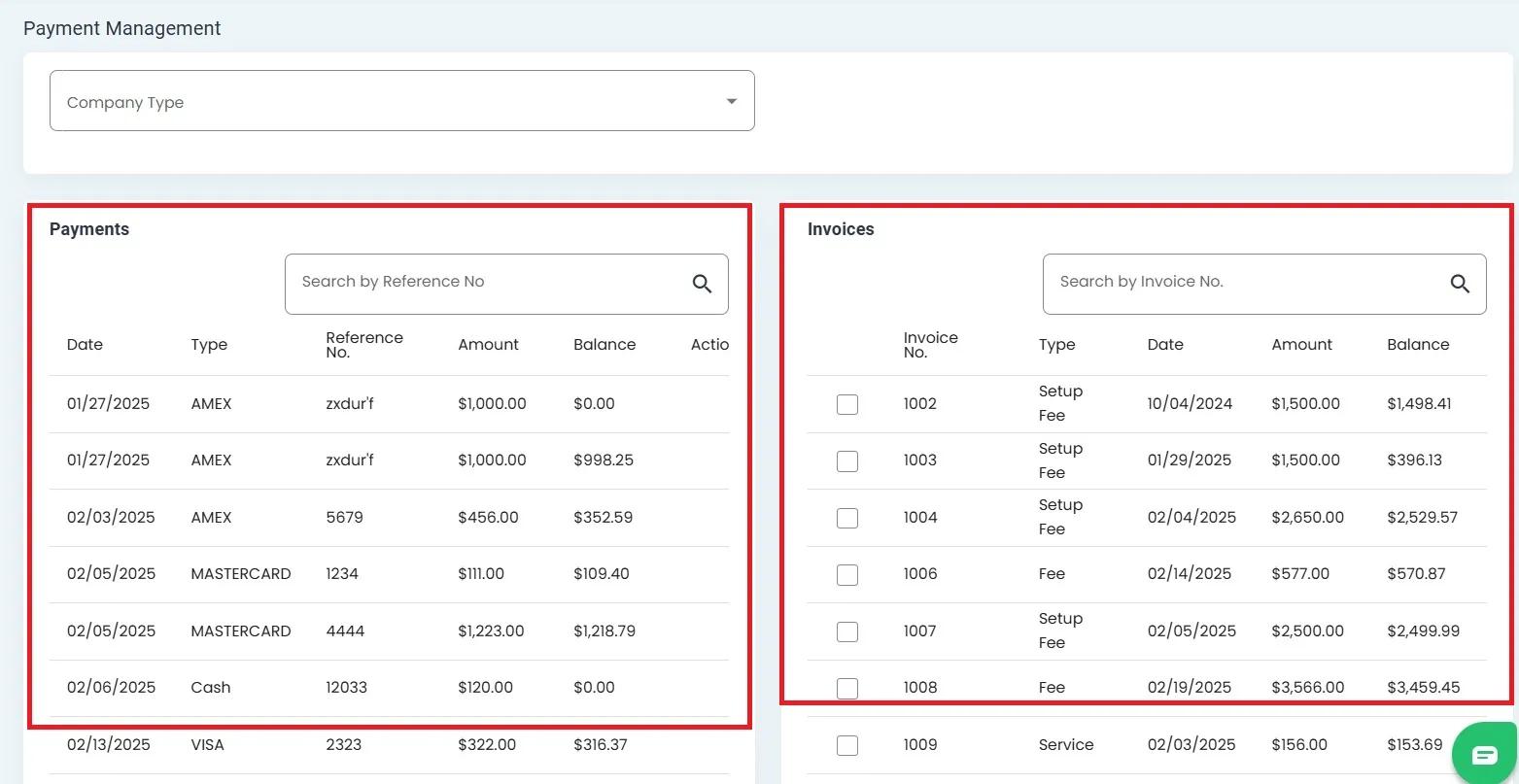
Payment Management page divided into two separate table sections#
Columns: Payment Management Tables#
Each table has specific columns with relevant information about payments and invoices.
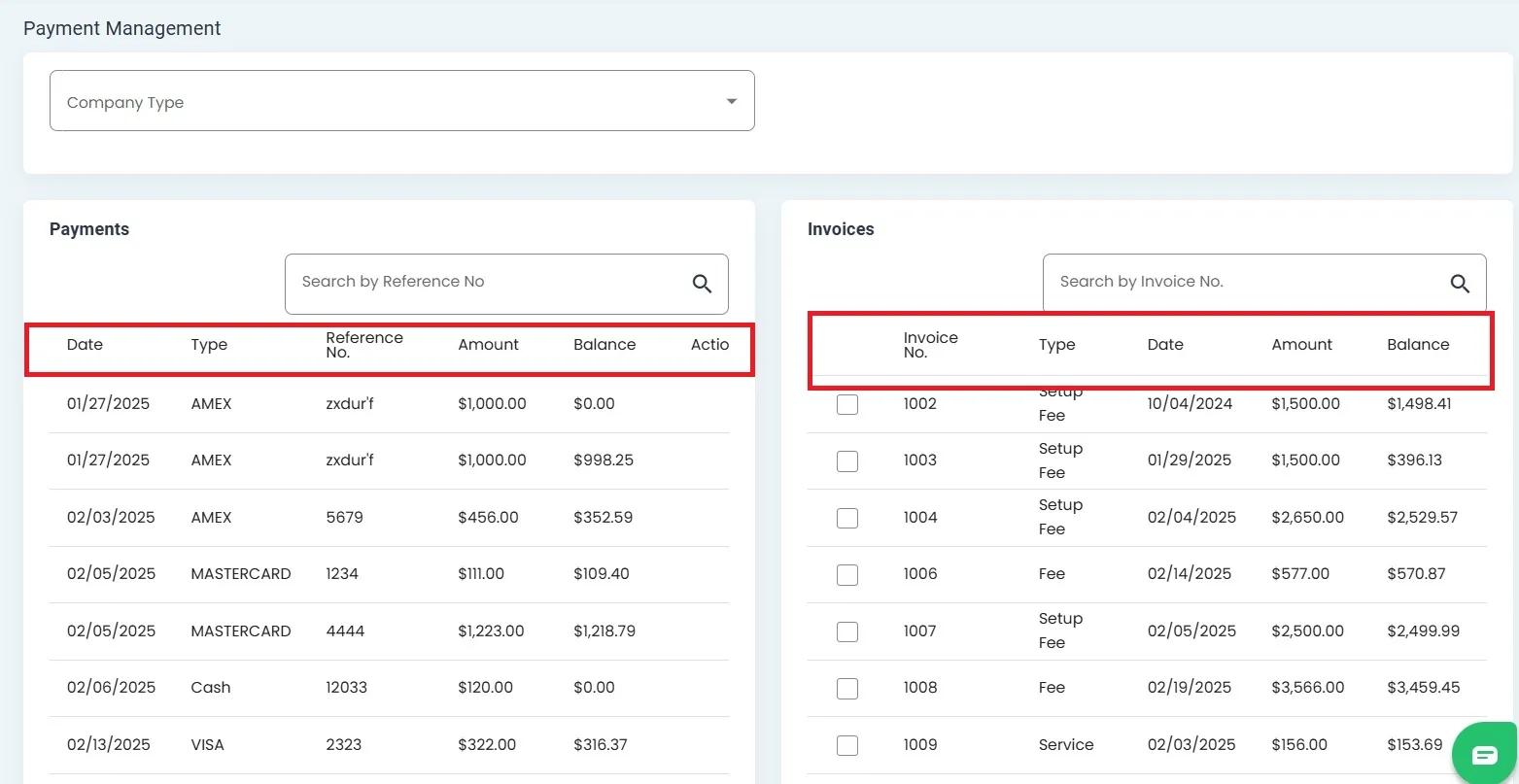
Columns displayed in the Payment and Invoice tables#
Search Functionality#
Each table has its own search bar for finding specific records.
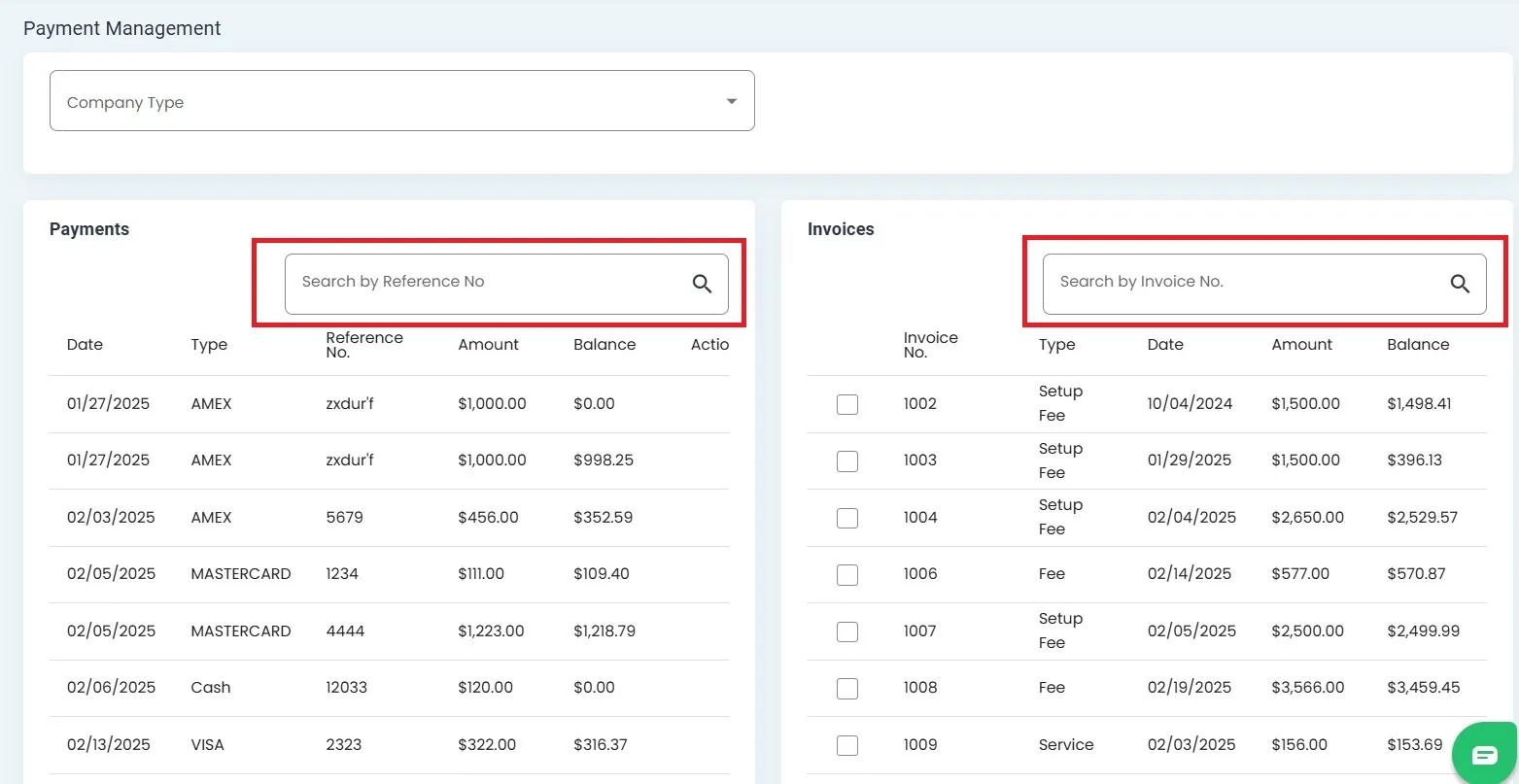
Search bar location for each table#
Filtering Records#
Both tables offer filtering capabilities to narrow down displayed records.
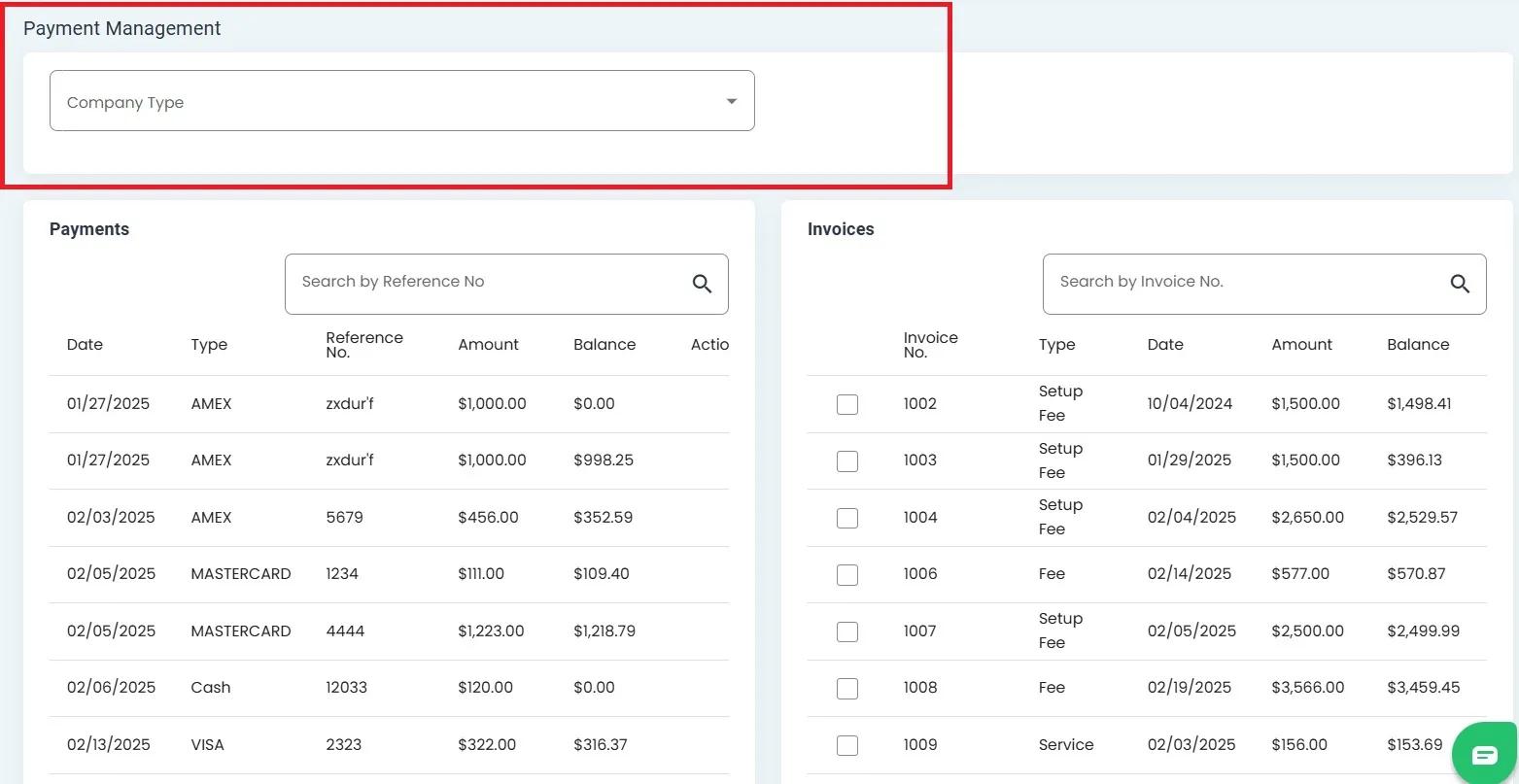
Filter options available for Payment Management tables#